|
|

Organize and post up to 500 photos on your photo album pages.
Adding and organizing takes only a few clicks and you can use any photo you
have taken.
Photo albums make it easy for visitors to see a group of photos. All the photos
are shown in thumbnails (small-sized versions of the photo) that users can click
to see the full size image. This means that visitors with slow connections can
enjoy your photos easily and quickly.
 |
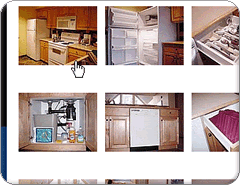
Thumbnail view
The photos are put onto your web page as thumbnails. Because the thumbnails
are small, the page loads extremely fast. |
 |
Click on thumbnails
Users then click on the thumbnails to see the full size image. |
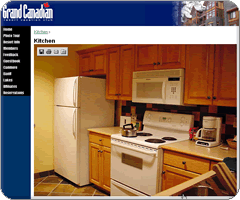 |
Full size photos
Users can then click on the full size image to go back to the thumbnail
view. |
|


